


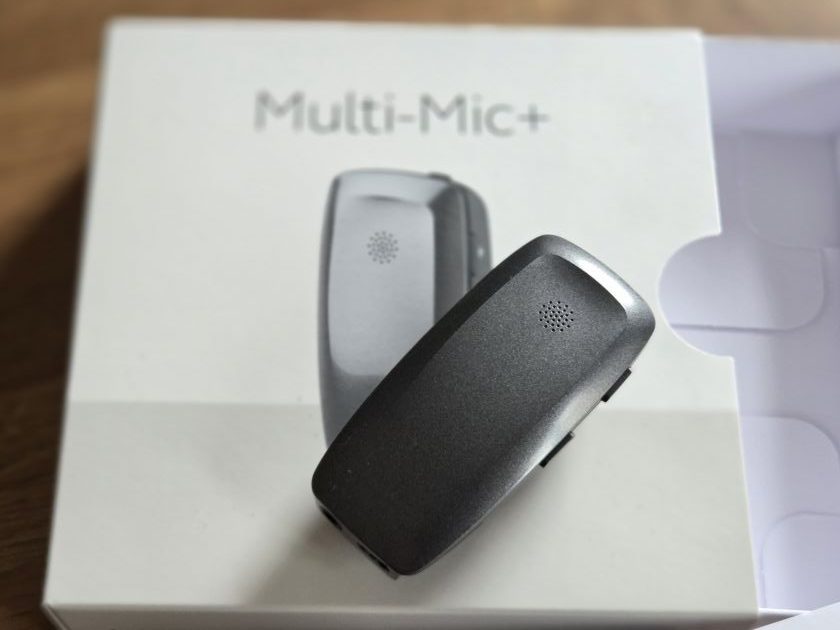
It was love at first listen. The ReSound Multi-Mic+ is one of the reasons why I started this Auracast journey.
Compact yet powerful. Luxurious yet accessible. Simple yet brilliant. This enables Auracast anywhere, with no additional kit required.
All you have to do is turn it on, tune in to the Auracast via an Assistant app and away you go.
Simple.
My first experience with the microphone was at the demonstration event that Samsung, GN ReSound, and the RNID organised earlier this year. This was a tour of St Paul’s Cathedral followed by the chance to join in an Evensong service, two things that had been just as much a mystery – and a misery – to me for that matter.
A service might as well have been in Latin, let alone my native English, for all I could understand it.
While the Evensong didn’t work out, the tour was exceptional.

As we reported at the time, being able to be in a busy space and still hear the guide was a novel experience. Even more so when we were around a corner or had our backs to the person explaining what we were meant to be looking at.
We were in a church, and the sound quality was heavenly.
GN has very kindly lent me a Multi-Mic+ to test in real-life situations. It has been invaluable ever since. In fact, it’s now an essential part of my kit bag, ready to be pressed into use at any time.
What don’t we like about the ReSound Multi-Mic+
Given the outpouring of praise thus far, it seems sensible to start off with the bits we don’t like, just to reassure you that it’s not all one-way traffic.
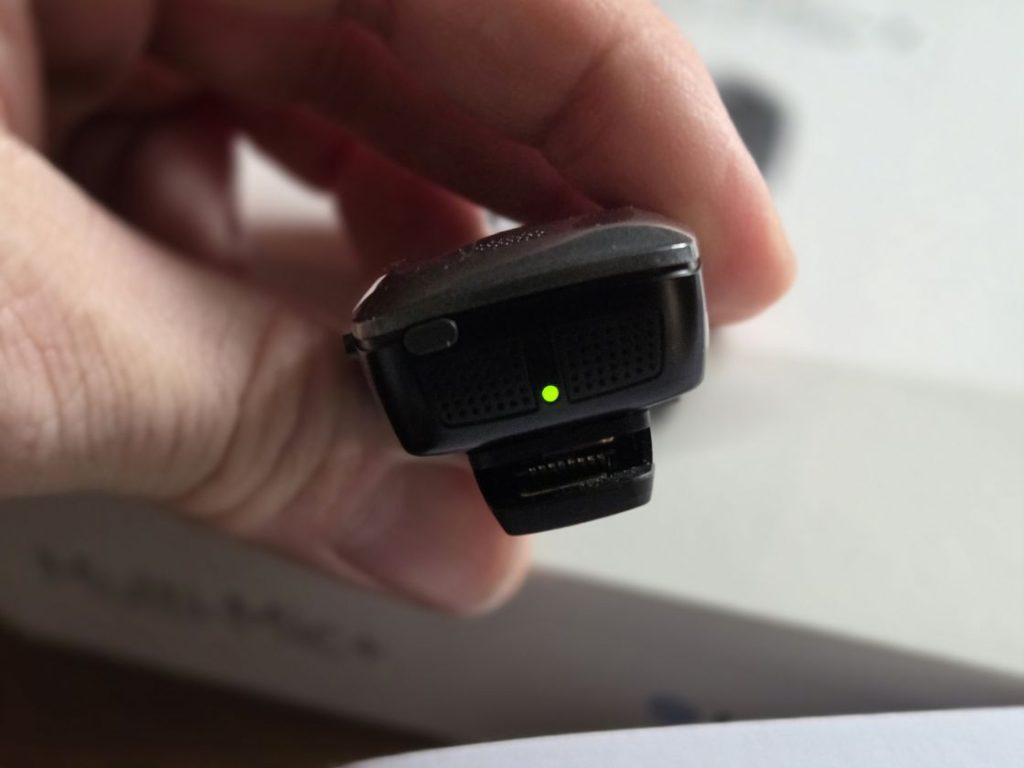
First is the minor inconvenience of the on-off switch. It’s a small rectangular button that you press. It is a bit like one of those child-proof medicine bottles in that you’re not sure you’re doing it properly until you can get it on.
Thankfully, the green light does appear fairly quickly, but there is that moment of uncertainty.
A similar level of uncertainty comes with battery life.
While we have not run out yet, there doesn’t seem to be any way of checking the level of power left in the device when it’s not being charged. When it is being charged, the mode lights on the rear of the Mic turn into power level indicators. We would like to see a software update that allows the power level to be displayed in the Auracast Assistant. It would make a world of difference when it comes to power anxiety.
And finally, there the Multi-Mic+ has one lack of connectivity that frustrates.
For a Bluetooth LE Audio device, it seems counterintuitive that it won’t pair via Bluetooth to a computer, media player or television, especially as you can plug a 3.5mm headphone cable from the computer to the MultiMic+ to achieve the streaming you wanted.
We have been doing just this and using it to transmit sound on Zoom/Teams calls, and really would prefer to see this connection via Bluetooth, especially as the PhoneClip+ can do this. Look out for our review, coming soon.
But these are quibbles compared to the love we feel for this small but mighty piece of kit.
How we have been using the Multi-Mic+
Having already tested the Multi-Mic+ in St Paul’s Cathedral, the very first thing we did with our test microphone was to wear it on the car journey home. The question is, where is the best place to clip it – clothes or seatbelt? We went with seatbelts and then forgot to remove the mic when leaving the car. Clunk with the unclip on every trip.
While it does pick up some road noise and ambience, we could maintain a conversation throughout the journey as the speech – the most important part here – was loud and clear. And this is a key thing here: while the microphone will pick up what is going on around you, the focus on the speech means that, on the whole, you don’t miss out. The exception will be when a herd of elephants come past with ghetto blasters at full volume. Probably. We have yet to find a way of testing that.
You can adjust the volume of what you are hearing via the microphone itself, an Auracast Assistant, and through GN’s app.
A second test came at an event we attended. We asked the speaker to wear the Multi-Mic+, and again, we could hear them really well with no issues. It is very promising.
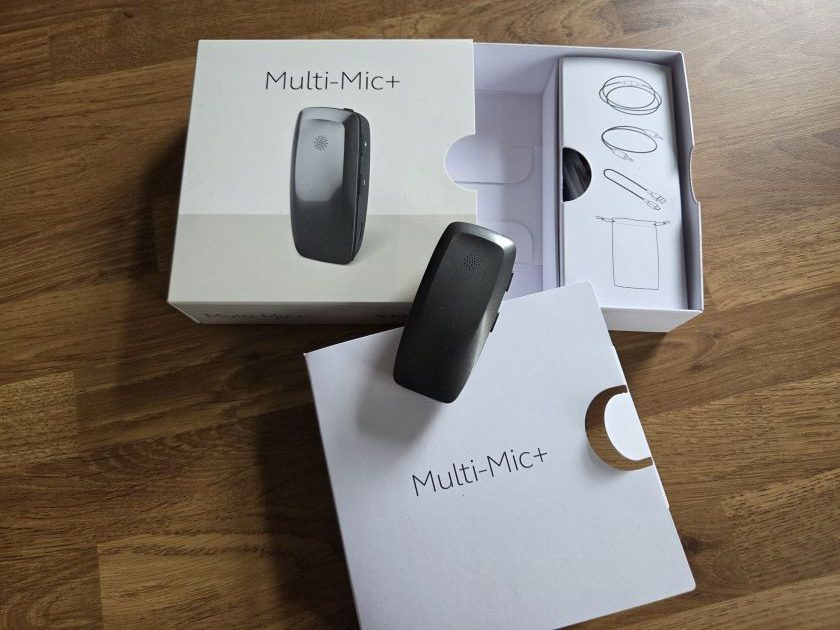
At home, we found that the range was impressive. We could be in a different room from the person speaking and still be able to hear what they were saying. Given that it was going through concrete, no complaints there.
The final test was perhaps the hardest: a walking tour.
For this, we took part in a Jack the Ripper experience, going to the locations in and around Whitechapel. While much of the area has changed in the 150 years since he callously murdered five women, being able to walk through the history is quite something.
Being able to hear what the tour guide is saying is really important.

We asked our tour guide if they would wear the Multi-Mic+ and they were happy to oblige.
We are grateful to Alan, our guide, for clipping the microphone to his T-shirt and wearing it throughout the 90-minute experience.
Again, everything we threw at the Multi-Mic+ it more than coped with.
We could step back from the tour group and still hear.
We could turn our back on Alan and still hear.

We stopped outside The Ten Bells pub during rush hour and the post-work pint brigade, and we could still hear.
Noisy traffic, wind, hustle and bustle … Alan’s voice was still the most dominant in the sound coming through.
No hassle, no problem, no issues.
Despite the gruesome and macabre subject, it was a joy to be able to hear so well. This is still a novelty, and that brings out a broad grin because clear sound is not what we are used to.
The tour hardly made a dent in the battery life, and to be honest, we haven’t had a bad experience with this yet: it seems to hold its own well despite its small size.
It’s impressive.
Auracast sharing in the Multi-Mic+

It’s easy. GN’s ReSound phone app makes it a cinch, and the Multi-Mic+ can be set up to kick in when it is switched on automatically.
It is also possible to use Android’s built-in Auracast Assistant (standard for Samsung users from the S23 onwards, and Android from version 16 onwards) to connect. The Auracast can be password-protected to help prevent unauthorised listeners.
We have found that the hearing aids can take a few minutes to return to standard settings after the microphone has been turned off.
We’re not sure why, but it does mean there are short pauses in good hearing.
Overall opinions of the Multi-Mic+ and where you can buy it from
Auracast makes the Multi-Mic+ a great buy. It should be pretty apparent from this review that we are smitten with an impressive piece of kit that works.
It’s around £300, and its portability makes it incredibly easy to take anywhere where it could be needed.
As stated, it can be used for small groups, making it a cost-effective way to bring Auracast to situations where some additional assistance is needed but the group doesn’t have a permanent meeting space or access to a complete AV system.
It could be used in restaurants, but it’s not quite a magic bullet here, as background noises can make the mix messy. However, it is still an option.
And it really comes into its own when used for tours, car journeys and connecting to an online world.
Sure, it’s not perfect, but it doesn’t mean I love it any less.
For more on the GN ReSound Multi-Mic+, log on to: https://www.resound.com/en-gb/hearing-aids/accessories/multi-mic
It can be bought from, among other retailers, Connevans ~ click here (not an affiliate link).
Our review unit was supplied by GN. For our reviews policy, see here.






Leave a comment